 Live screen sharing
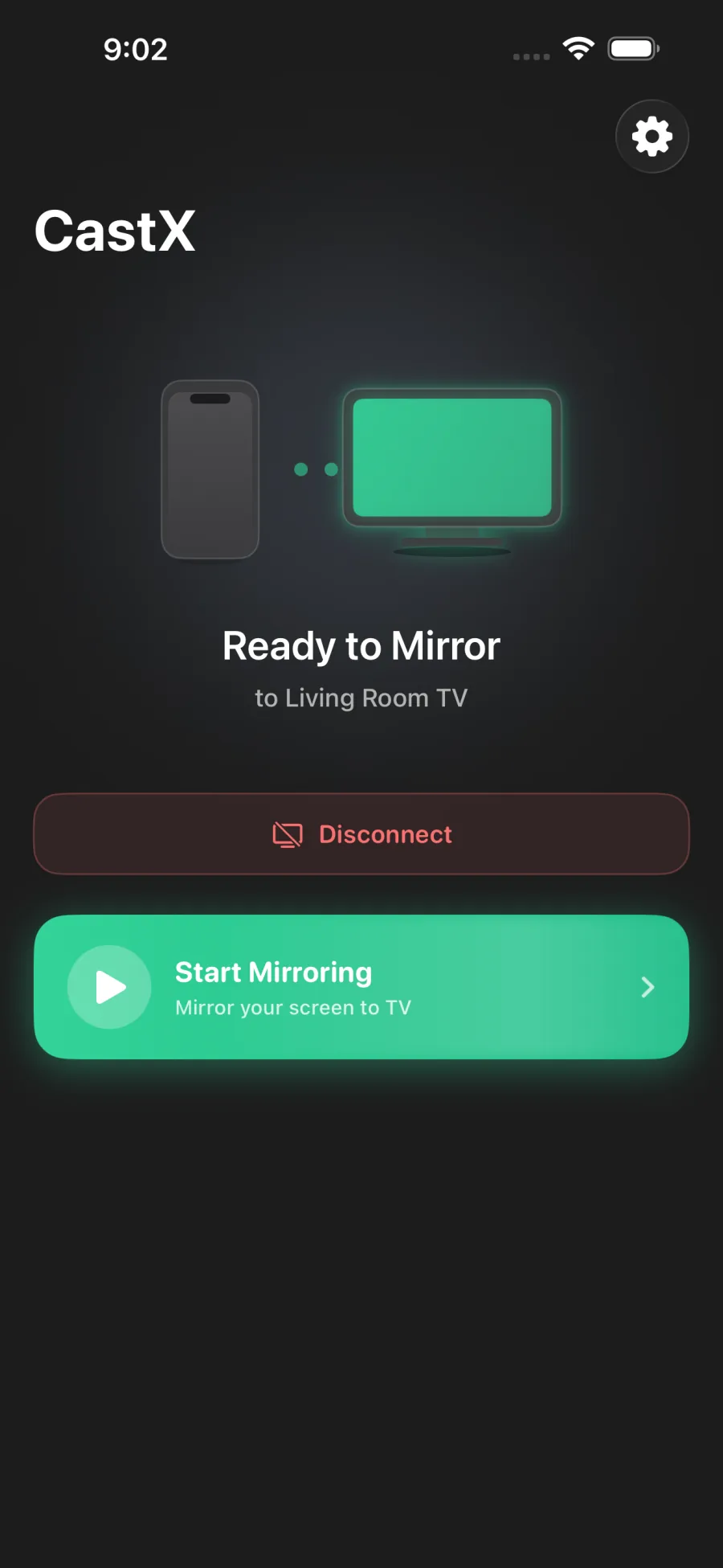
Mirror your screen
Mirroring for Chromecast: CastX
Mirror your iPhone screen to a Chromecast TV for presentations, photos, live demos, and big-screen sharing.
- Screen mirroring
- Portrait and landscape
- Live screen sharing
iPhone, meet Chromecast
Mirror your iPhone screen or cast web videos, photos, and files to your Chromecast TV. Two dedicated apps. One shared subscription.
Your iPhone + Chromecast + the same Wi-Fi
Mirror your screen
Cast your favorites
The CastX pair
Share what’s on your screen, or send a video straight to the TV. Choose the app that fits the moment. One subscription unlocks both.
Live screen sharingMirroring for Chromecast: CastX
Mirror your iPhone screen to a Chromecast TV for presentations, photos, live demos, and big-screen sharing.
 Media playback
Chromecast Video Cast: CastX
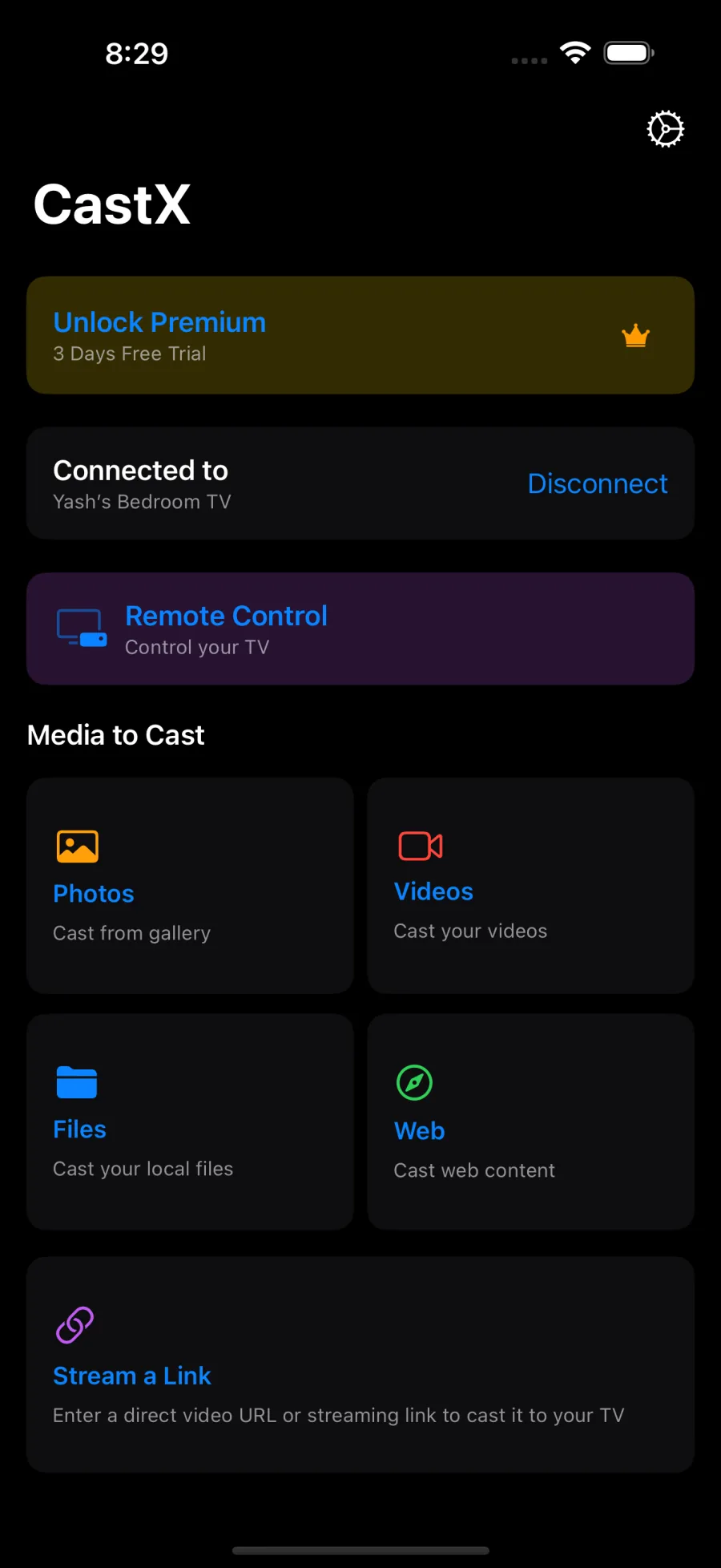
Cast supported web videos, photos, saved videos, and local files from your iPhone to Chromecast.
A look inside
From connecting your TV to choosing what to share. Explore the apps below, or tap any screen for a closer look.
Mirror your iPhone screen to a Chromecast TV for presentations, photos, live demos, and big-screen sharing.
Cast supported web videos, photos, saved videos, and local files from your iPhone to Chromecast.
Made for the big screen
From a live demo to your camera roll, bring more of your iPhone to Chromecast and Chromecast-enabled TVs.
Bring presentations, live demos, and everyday moments from your iPhone screen to your Chromecast TV.
Browse supported websites, find a playable video, and send it straight to your Chromecast.
Share photos and saved videos from your camera roll on the big screen, together.
Open supported media files saved on your iPhone and cast them to your TV.
Rotate your iPhone while mirroring and the TV view follows, from portrait browsing to landscape sharing.
How it works
Your iPhone, your Chromecast, and the same Wi-Fi network. Start with the essentials, then choose what to share.
Make sure your iPhone and Chromecast or Chromecast-enabled TV are on the same local network.
Use Mirroring for Chromecast for live screen sharing, or Chromecast Video Cast for web videos and saved media.
Choose your Chromecast device and start watching, presenting, or sharing on the TV.
Chromecast guides
Choose the method that fits what you want to share. Mirror your whole screen, or cast one supported video, photo, or file.
Good to know
Devices, subscriptions, and choosing the right app. Here’s what to know about getting CastX onto your big screen.
Have another question? Contact usConnect your iPhone and Chromecast to the same Wi-Fi network. Open Mirroring for Chromecast: CastX, select your Chromecast, and tap Start Mirroring. Follow the on-screen broadcast prompts to share your iPhone screen on the TV.
CastX brings together two iPhone apps: Mirroring for Chromecast: CastX for screen sharing, and Chromecast Video Cast: CastX for casting supported web videos, photos, saved videos, and local files.
You need a Google Chromecast or a TV with Google Cast built in. Your iPhone and Chromecast or TV must be connected to the same Wi-Fi network.
Screen mirroring shows your iPhone display on the TV, including what you do on your phone. Media casting sends a selected video, photo, or supported file to the TV instead. Use Mirroring for Chromecast for screen sharing, or Chromecast Video Cast for media casting.
No. Website support and playback depend on the video format, your Chromecast, and the service's restrictions. DRM-protected content may block casting or screen mirroring. CastX does not bypass those protections.
No. CastX is an independent app bundle designed to work with Chromecast devices and Chromecast-enabled TVs.
Yes. A subscription purchased in either CastX app gives you access to both apps, with no separate subscription needed for the second app.
Make room for more
Screen mirroring and video casting, together. One subscription gives you access to both CastX apps.

For iPhone, Chromecast, and Chromecast-enabled TVs.